Computer basics
Typing, using a mouse, managing files and using a computer safely and with care.
Computer and internet skills that open doors for young people in Kakuma.
At the Creative Arts Center, young people learn to use computers, the internet and digital tools with confidence, for study, for work and for their own creative projects.
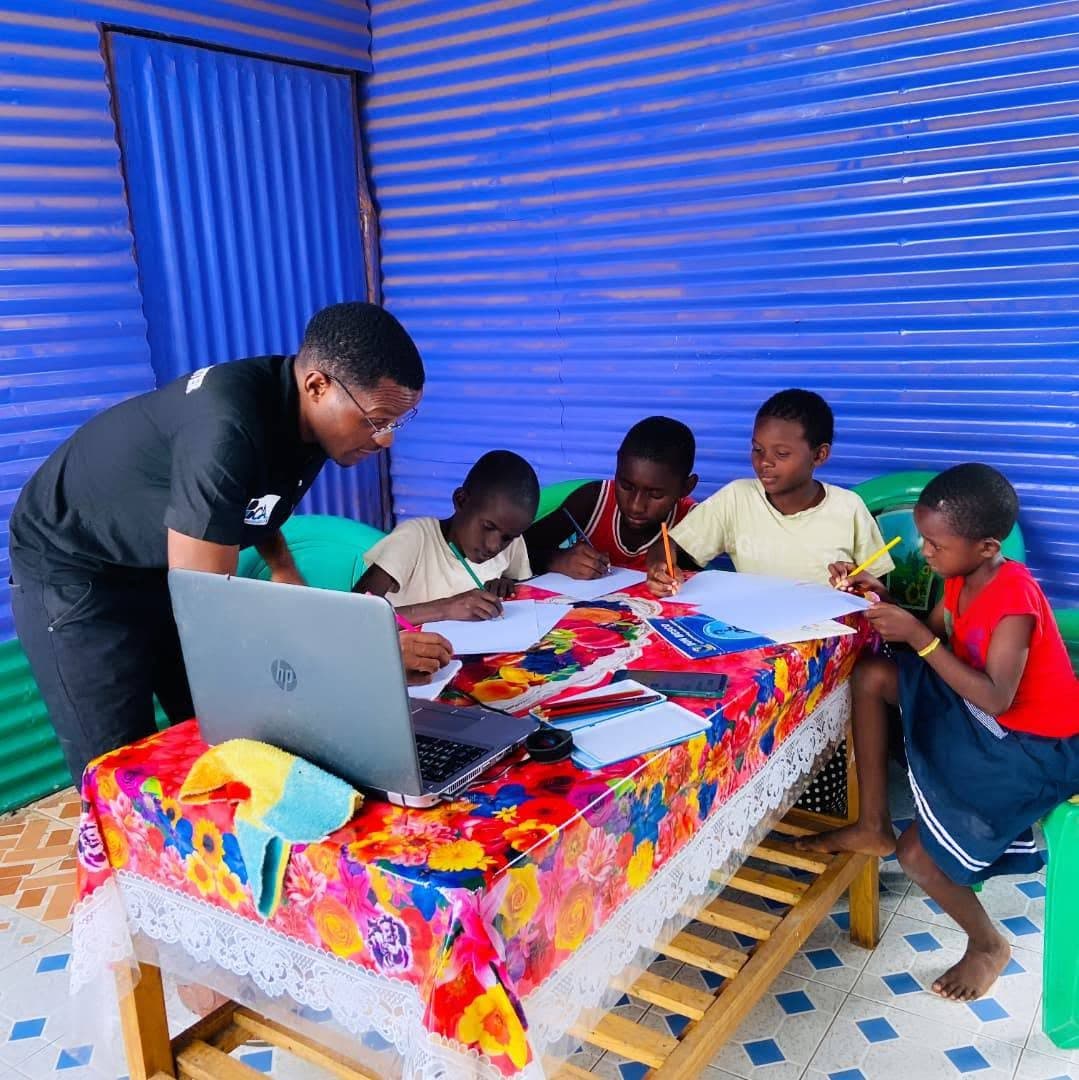
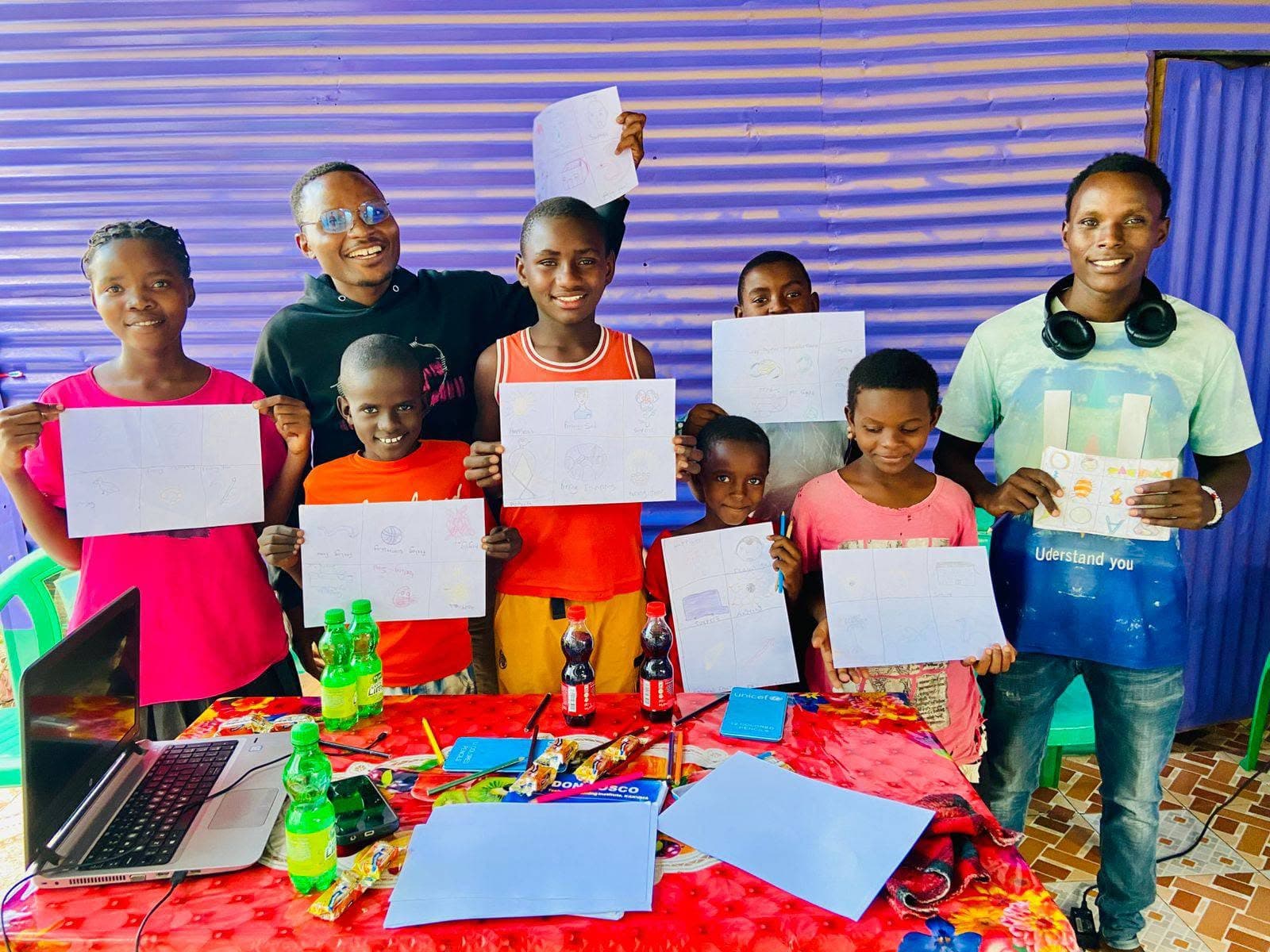
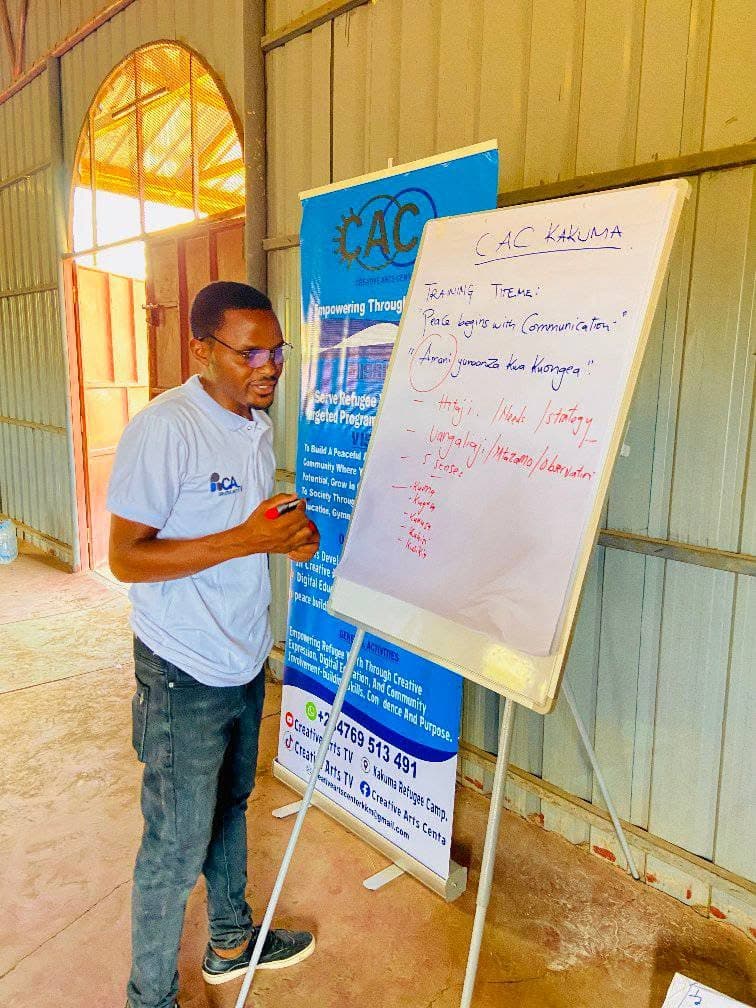
Courses, jobs, banking and information all start online. Many young people in Kakuma have never had regular time on a computer, so they begin behind.
We close that gap with patient, practical teaching. Young people learn to use technology with confidence, whatever they want to do next.
Learners start wherever they are and move up as their confidence grows.
Typing, using a mouse, managing files and using a computer safely and with care.
Searching well, using email and online accounts, and staying safe and private online.
Writing documents, working with spreadsheets and building simple presentations.
Designing graphics, editing video and building simple websites to share their own ideas.
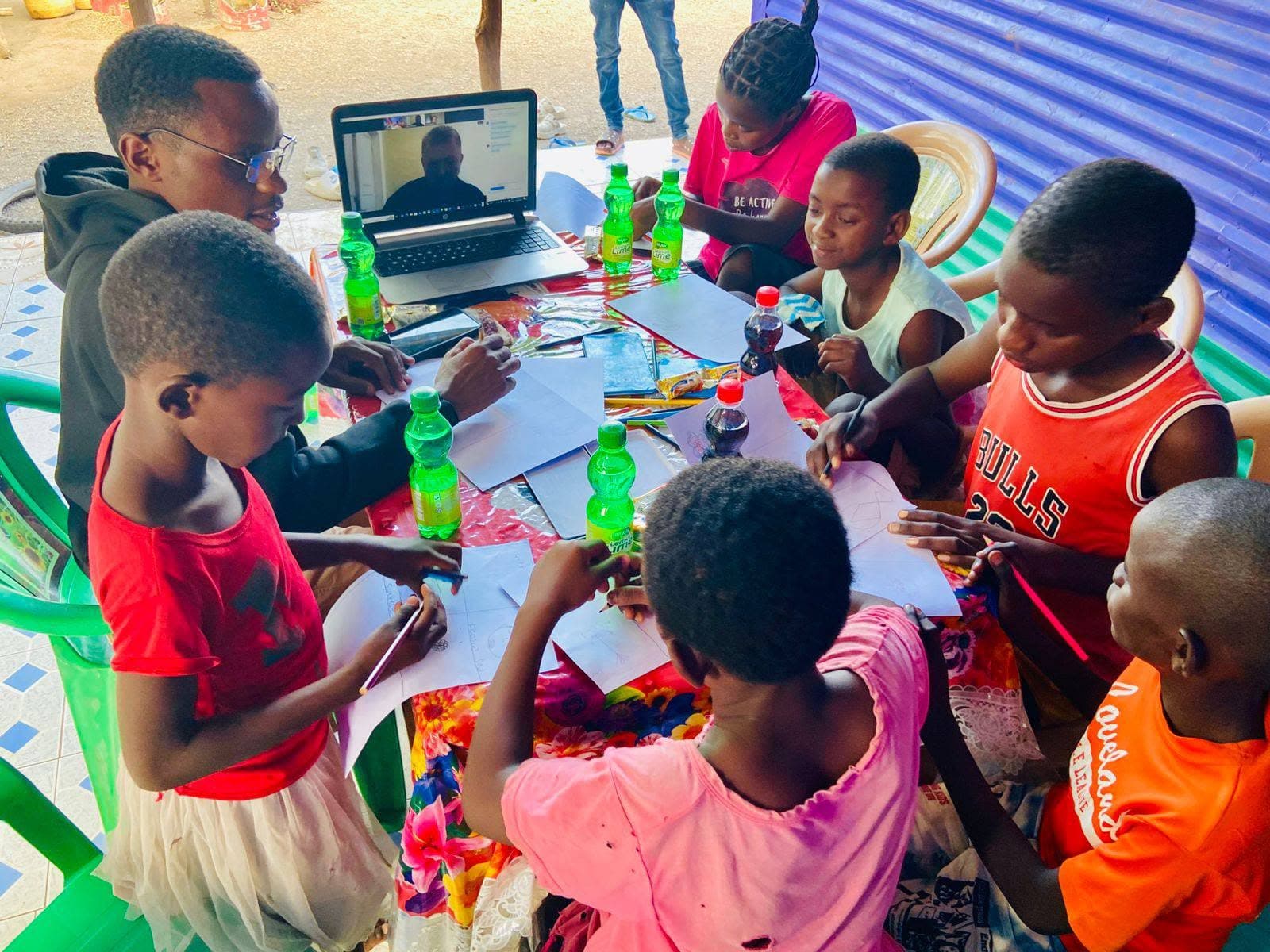
Learners spend their sessions at a computer, doing the task, not just hearing about it.
Mentors support each person where they are, so no one is rushed and no one is left behind.
Learners apply what they know to projects that matter to them and their community.
No experience is needed. If you want to learn, there is a place for you.
Never touched a computer? Start with the basics.
Build the digital skills that school and further study now expect.
Prepare a CV, apply online and work with common office tools.
Take your art, music or ideas online and share them with the world.
A seat at a working computer changes what a young person can do. These are the ways to add more seats.
Laptops, tablets and accessories in good working order.
Help cover reliable internet access so learners can practise and research.
Share your skills in person or remotely, in a single session or over months.
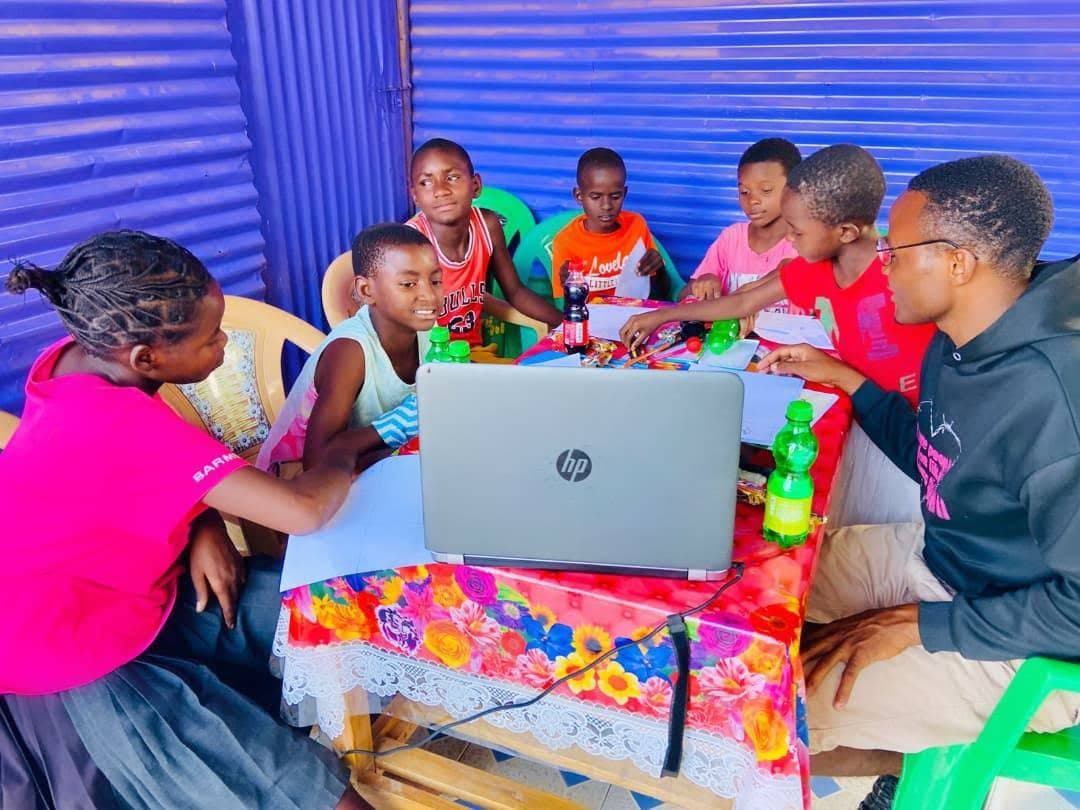

Teach a session, give a device, or help us keep every computer in the room in use.